

I'll download my copy of the accessibility guide:
Whether you are a training manager, an instructional designer or a content manager in a business, making sure your learners can reach your training content is essential.
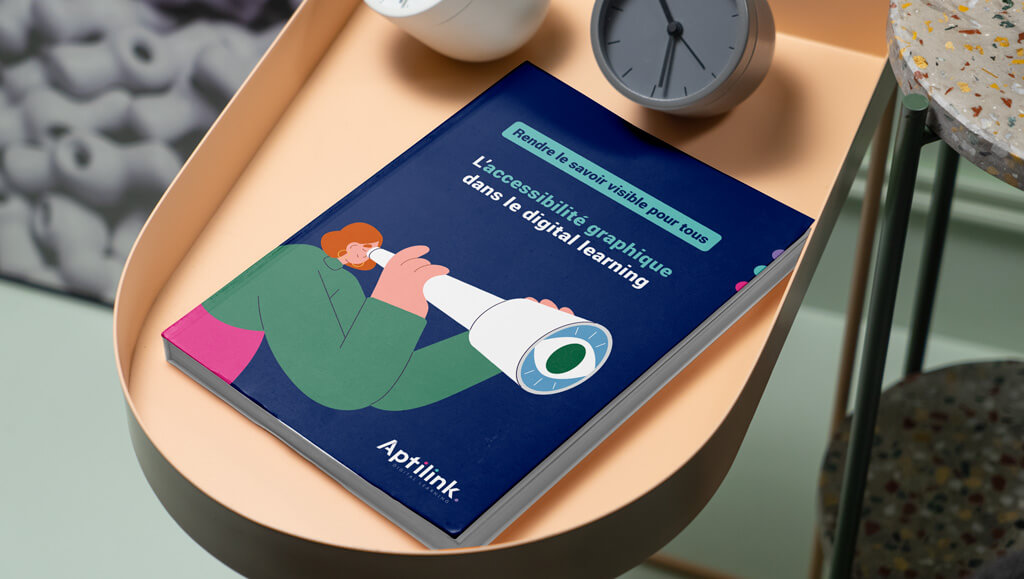
Our e-learning accessibility guide sets out simple, effective practices for making your training accessible, including for people with visual, cognitive or motor difficulties.
The guide focuses on three essentials: image, text and layout.
What you will learn in this e-learning accessibility guide:
- Optimise colour contrast for better legibility, whatever the setting or the learner's eyesight.
- Choose the right typography to reduce cognitive load and make reading effortless, whatever the learner's profile.
- Improve layout for clearer navigation and more digestible content.
- Use graphics people can understand — clear icons and image descriptions — for genuine accessibility.
Want to go further?
This guide is a first step towards a fuller resource designed for training managers. In a few weeks we will publish a white paper to support you in bringing your training modules into compliance. It will cover the basics of accessible graphic design and give you a road map towards the requirements that came into force on 28 June 2025.
Don't miss the chance to deepen your knowledge and make your training modules accessible to everyone. Download your guide now and watch out for our white paper!
Stop losing time on content people cannot reach. Act today to make your training more inclusive and give every learner a rewarding experience.